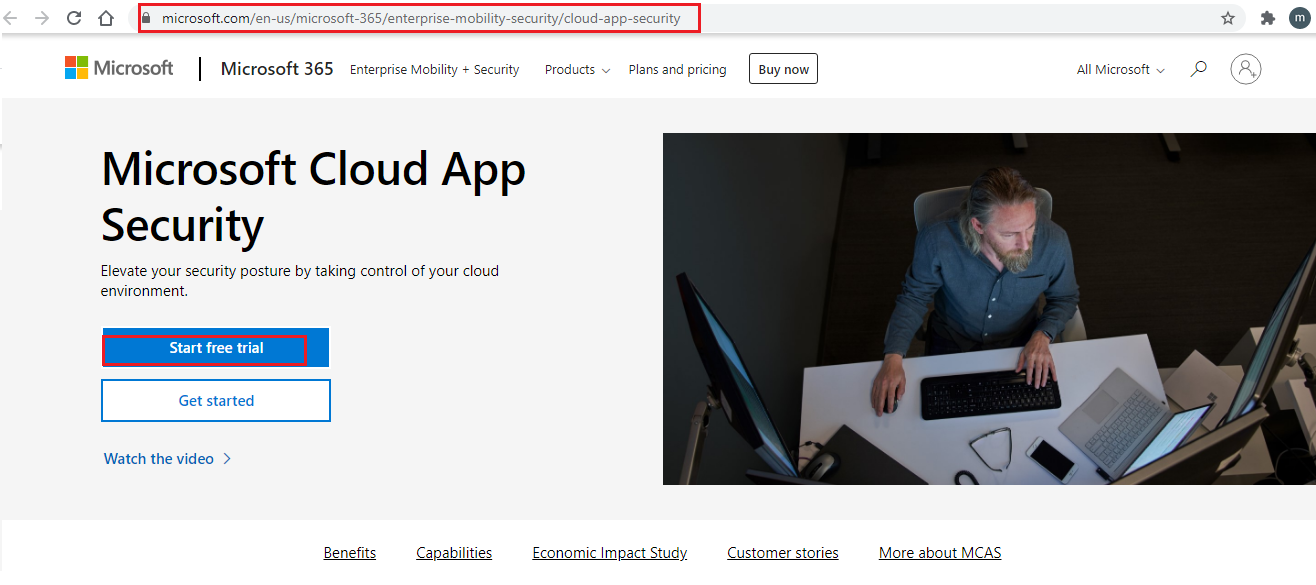
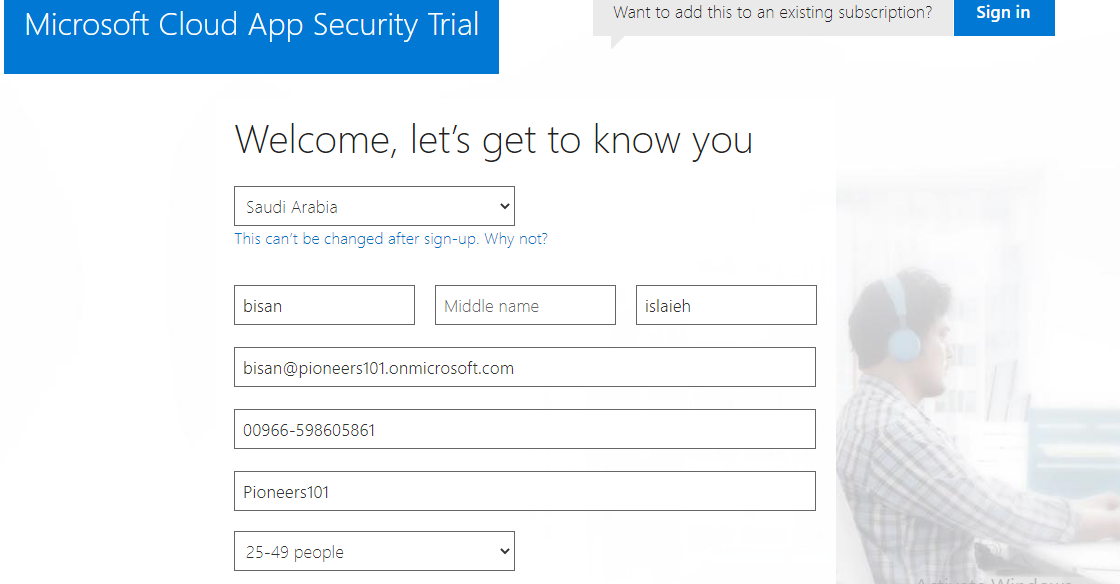
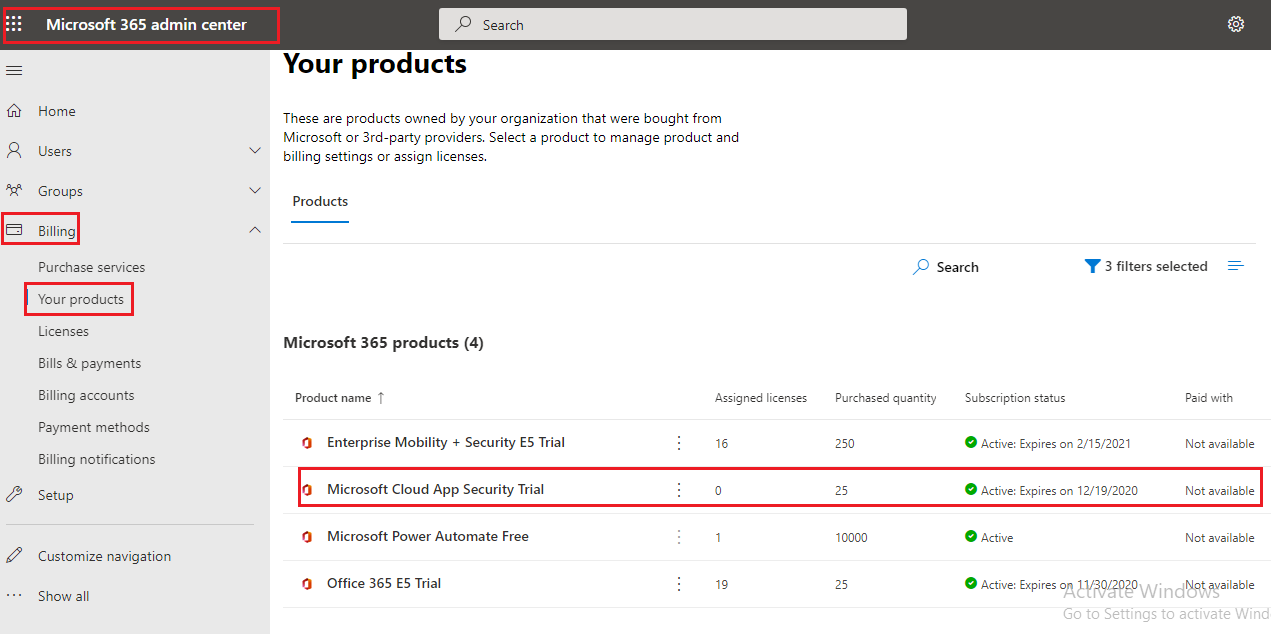
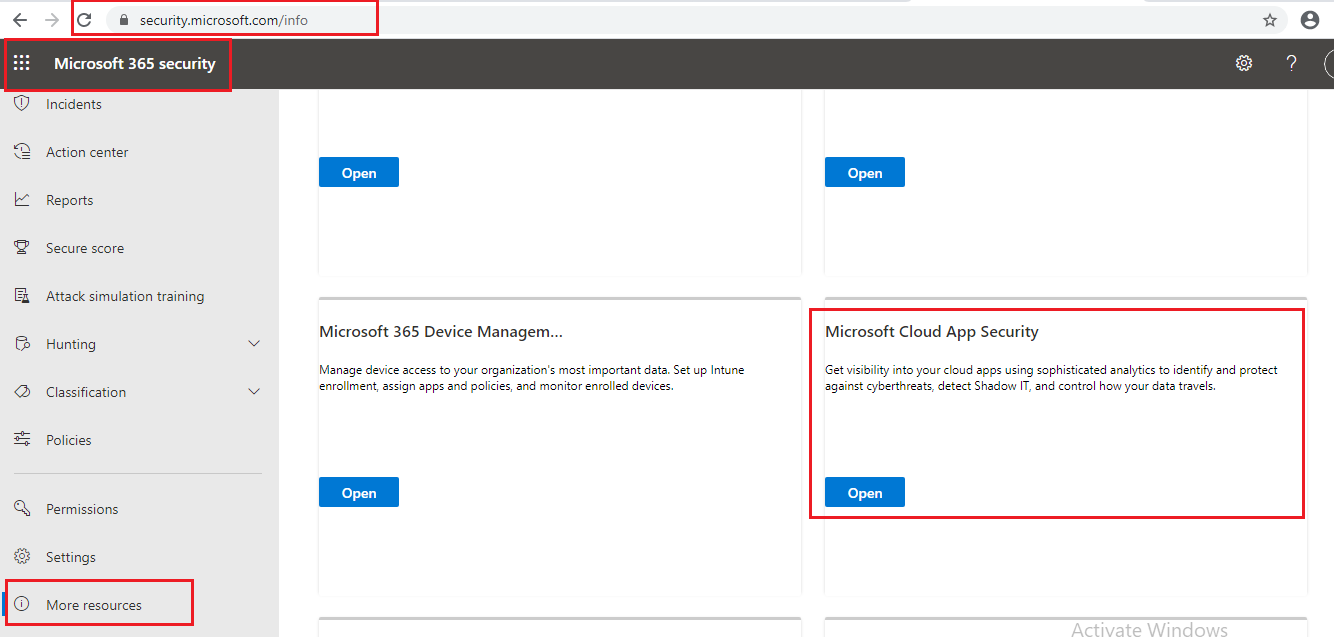
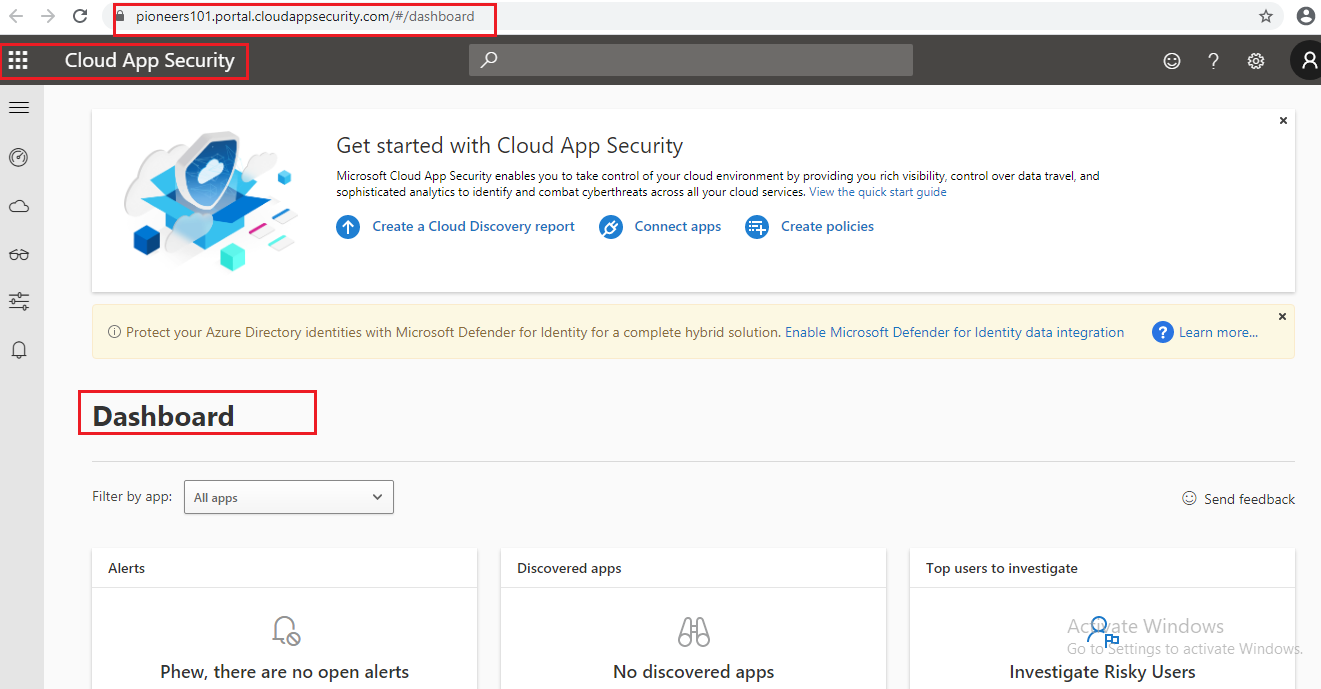
Cloud App Security : Trial Subscription Microsoft 365 Security November 20, 2020December 3, 2020 maher islaieh introduction in previous article : we hat got an overview about Cloud App Security this article we will see how to subscribe and how to access then manage CAS please join us CAS prerequisites CAS [or MCAS ] require the following license for License : need one of the following : Azure Active Directory AD Premium 1 with limited featureEnterprise Mobility Suite EMS E5 with full featuresbut what if already have subscription that does NOT include any of license above the solution : — you can use trial CAS through https://www.microsoft.com/en-us/microsoft-365/enterprise-mobility-security/cloud-app-securityRoles assigned should be assigned one of the following rolesGlobal adminCompliance adminSecurity readerNetworking bypass IP address 104.42.231.28bypass the following DNS names to your firewall’s allow list:portal.cloudappsecurity.com*.portal.cloudappsecurity.comcdn.cloudappsecurity.comhttps://adaproddiscovery.azureedge.net*.s-microsoft.com*.msecnd.netdev.virtualearth.net*.cloudappsecurity.comflow.microsoft.comstatic2.sharepointonline.comdc.services.visualstudio.com*.blob.core.windows.net internet browser Access web porta lhttps://portal.cloudappsecurity.com using :IE11 orsafari orchrome forFirefox Microsoft Cloud App Security Trial as mentioned above we can create subscribe for CAS as trial if our subscription don’t have enough MCAS license login to https://www.microsoft.com/en-us/microsoft-365 start free trial fill form got notification email CAS trial has been added to your subscription >> and open cloud app security from admin center to access CAS portal directly https://portal.cloudappsecurity.com conclusion NOW Cloud App Security has been added to your tenant and ready for your use next article >> we will setup system setting for CAS