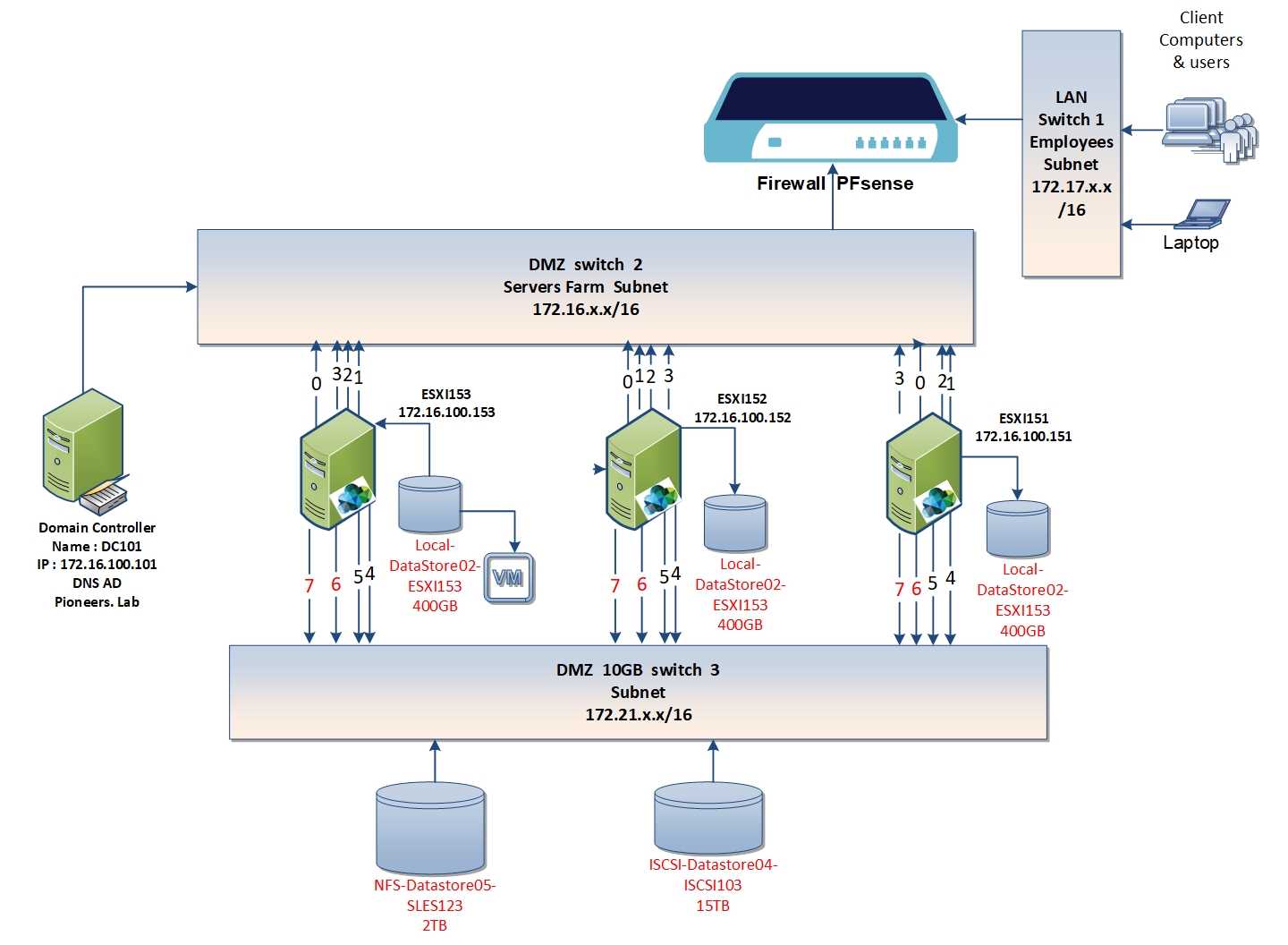
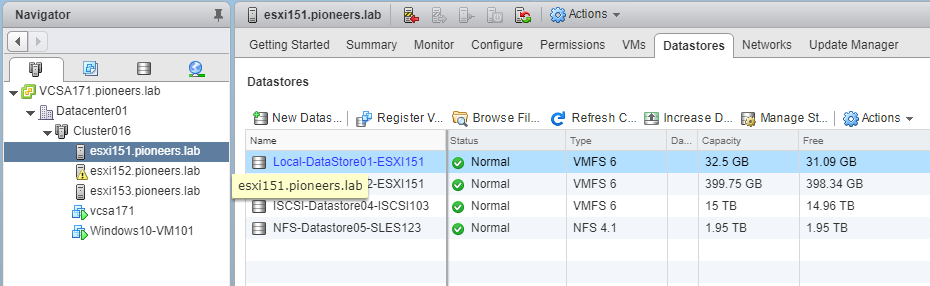
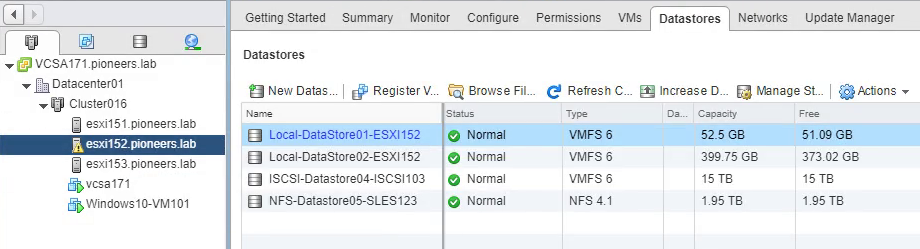
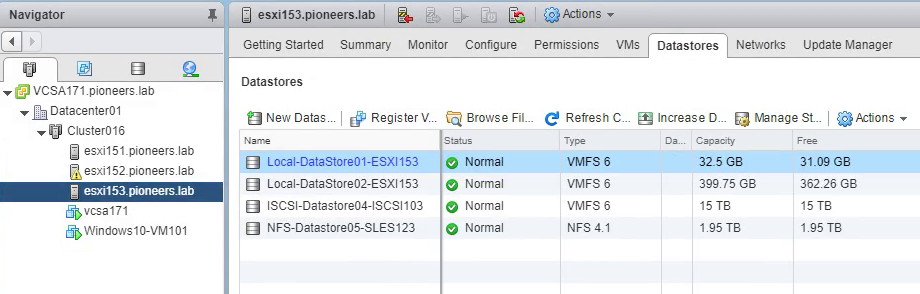
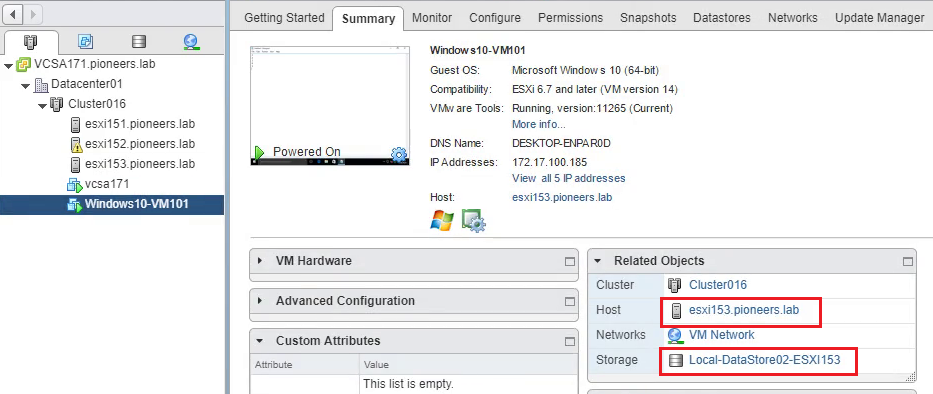
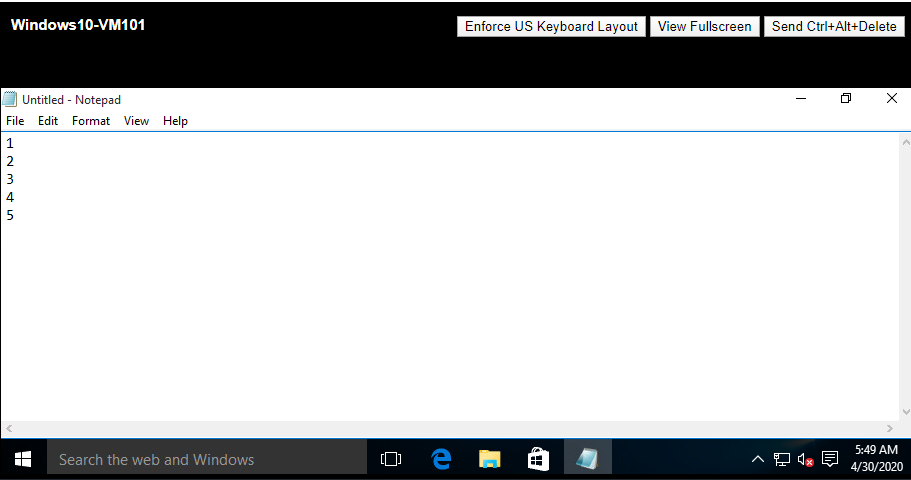
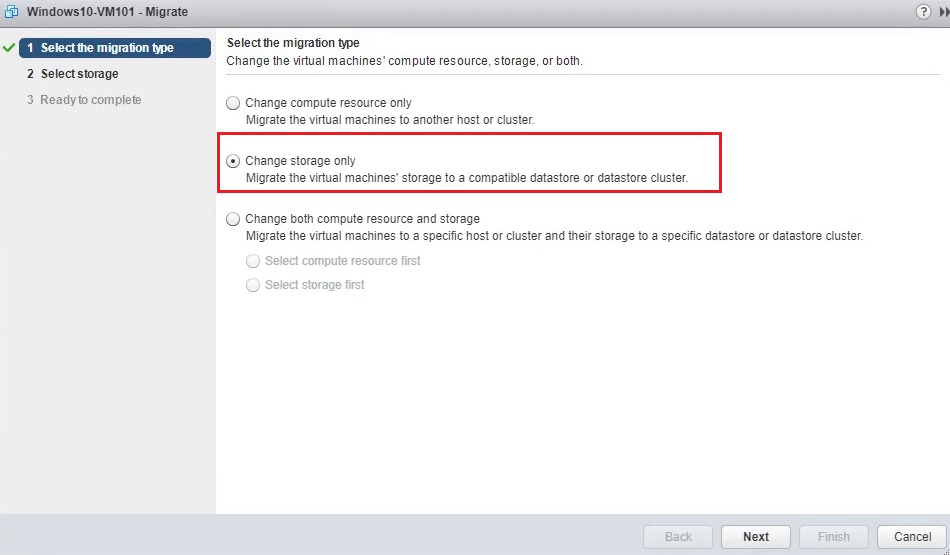
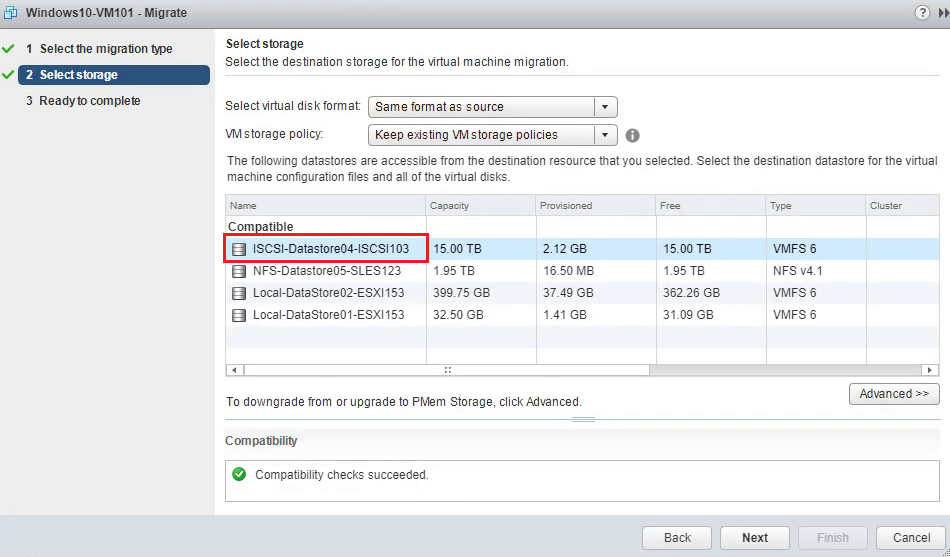
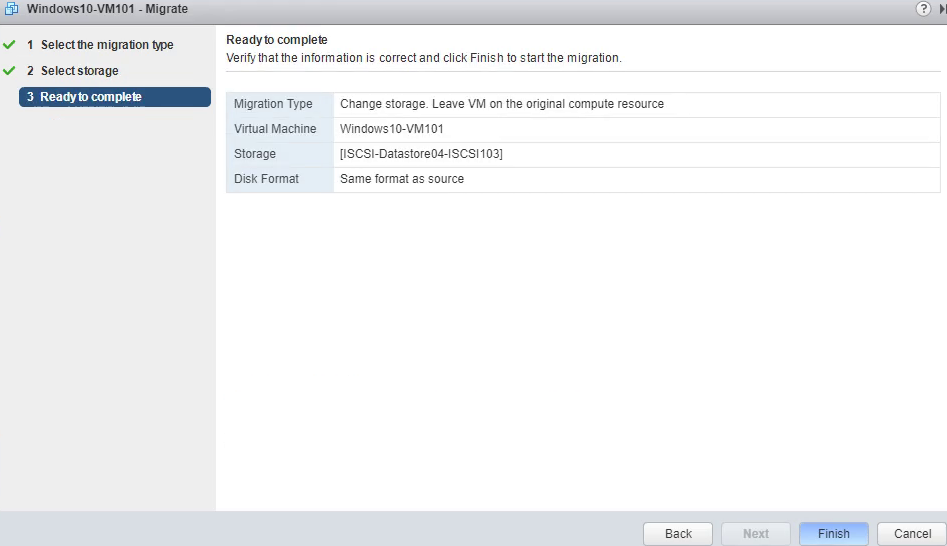
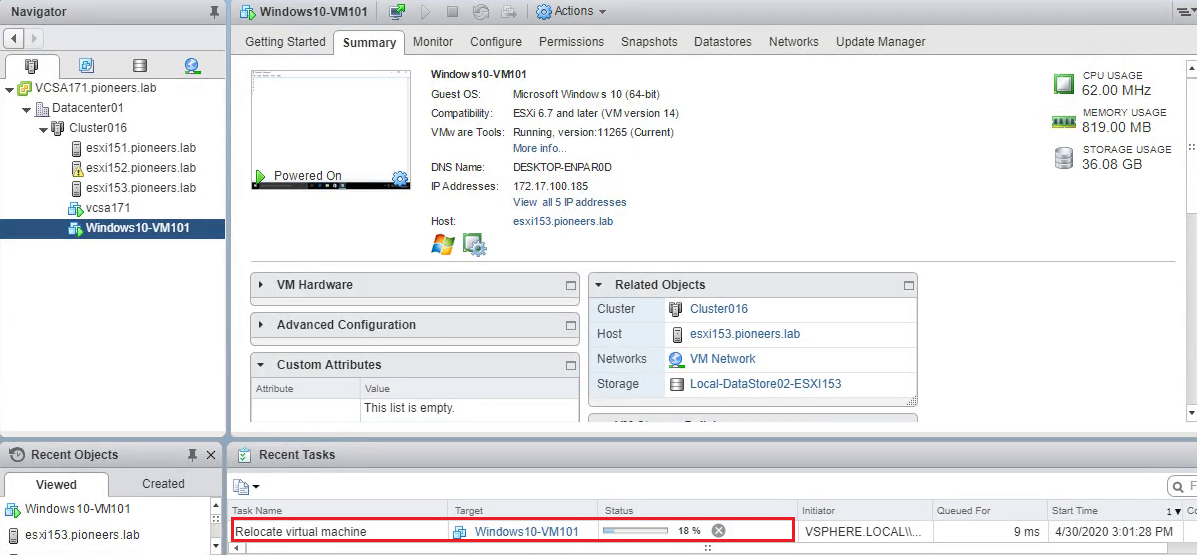
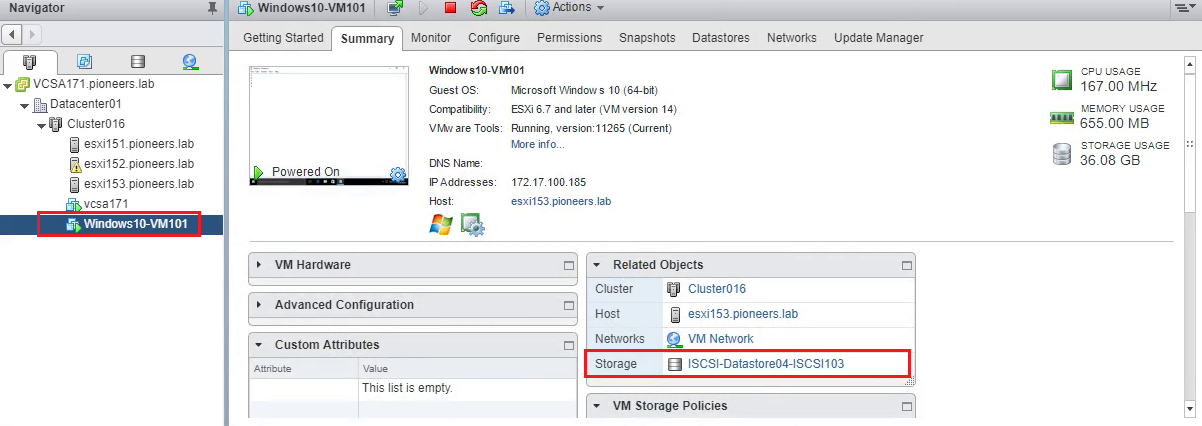
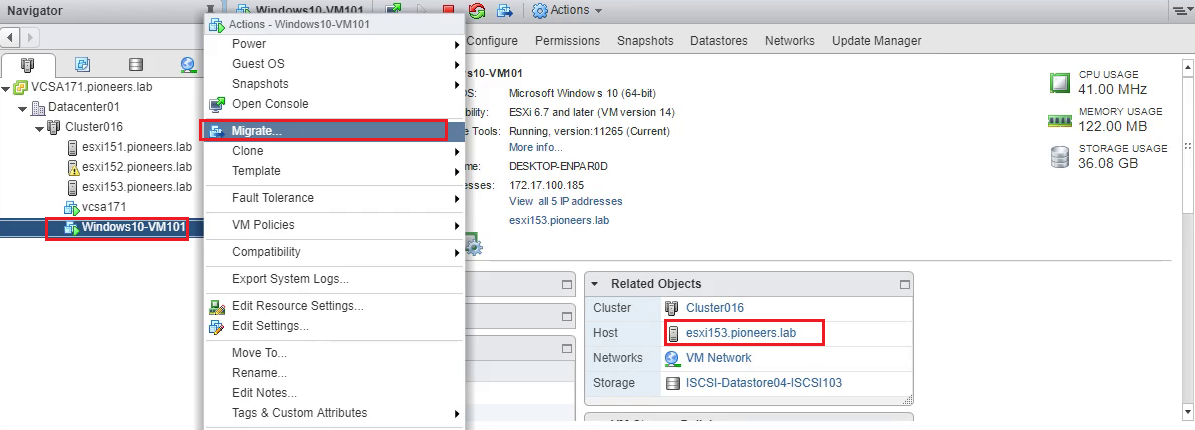
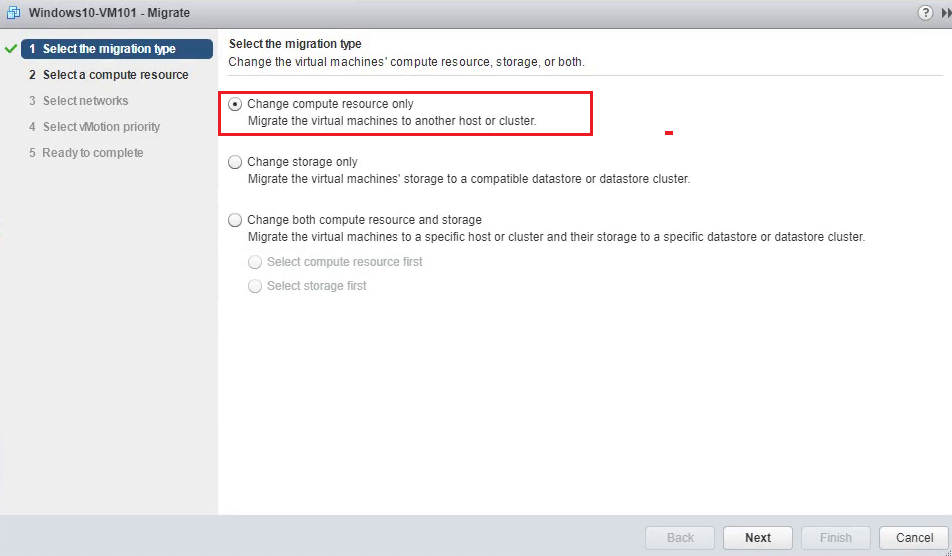
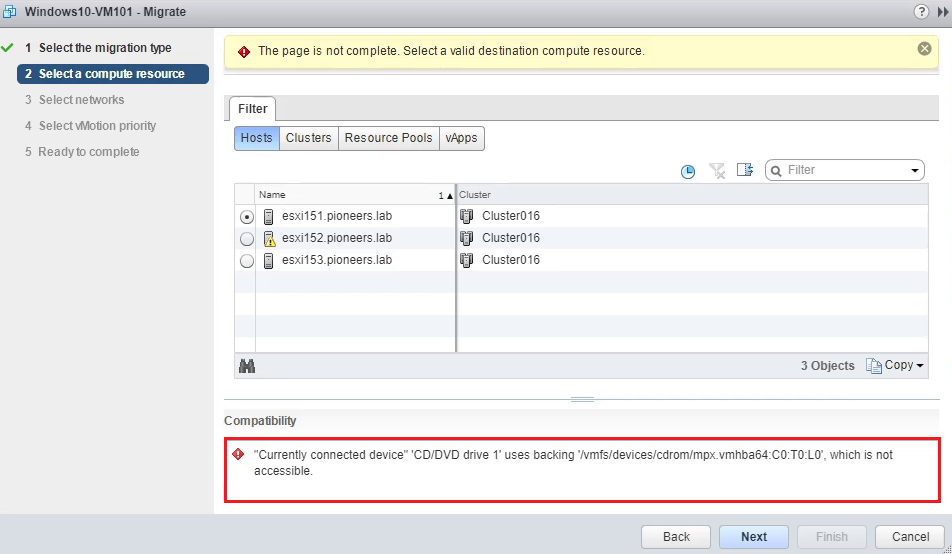
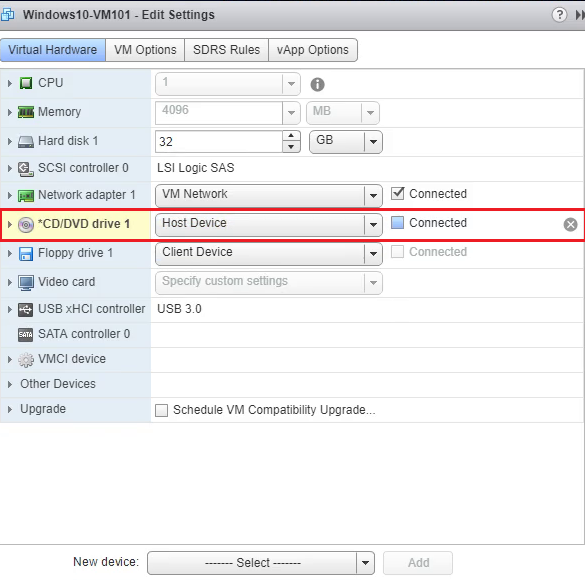
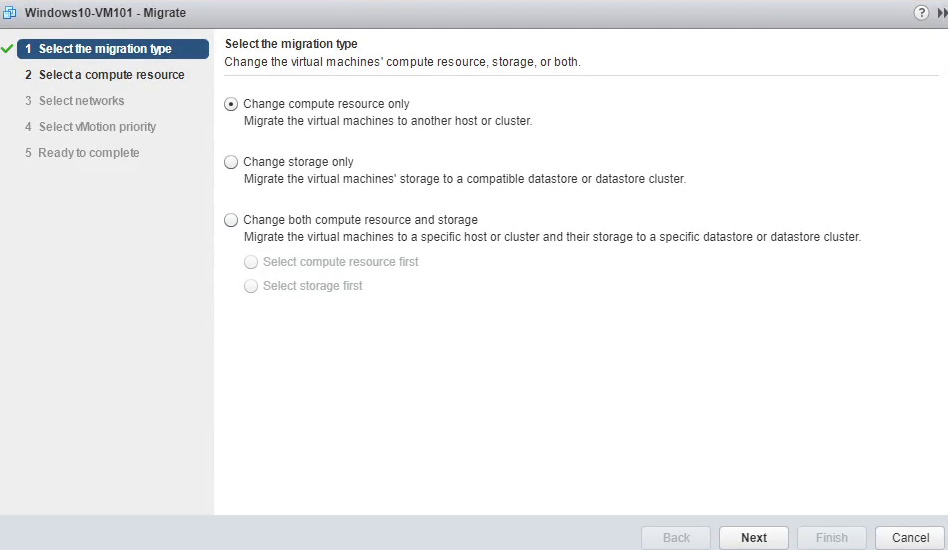
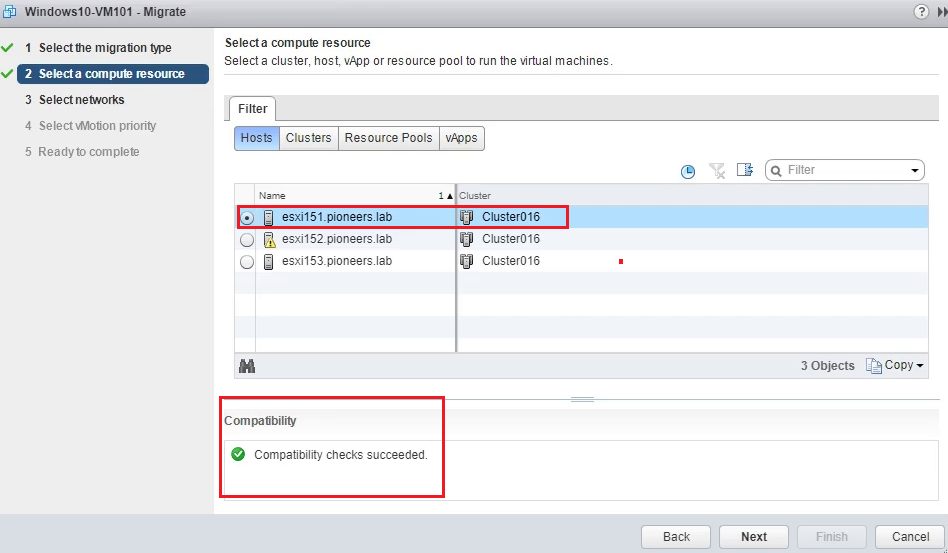
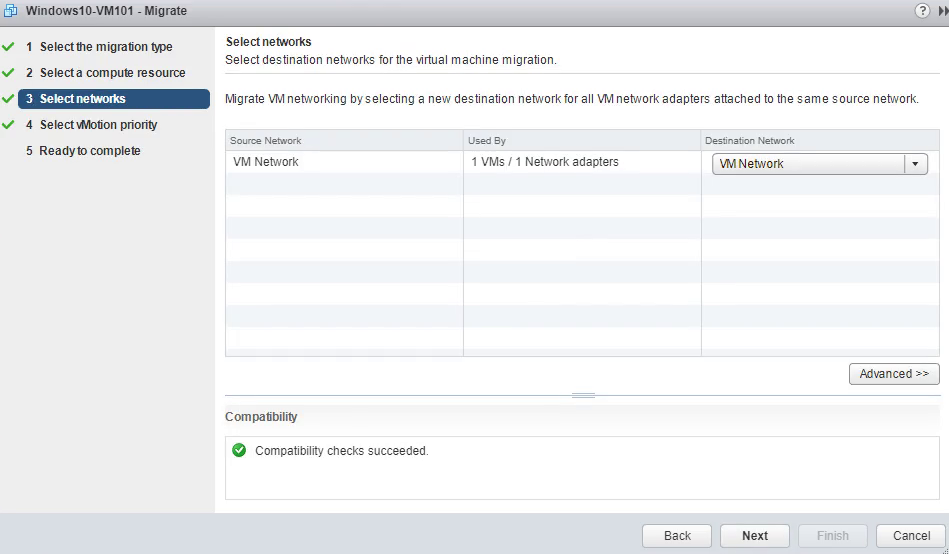
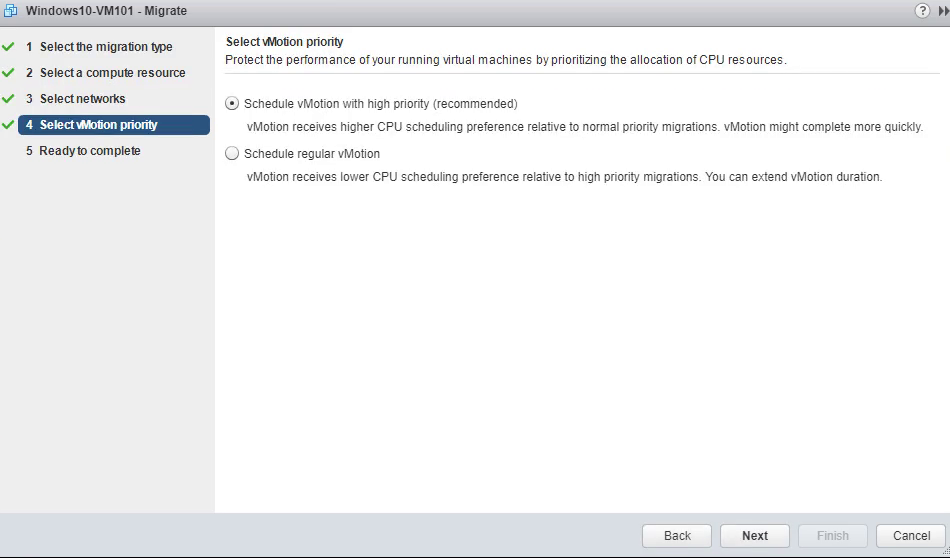
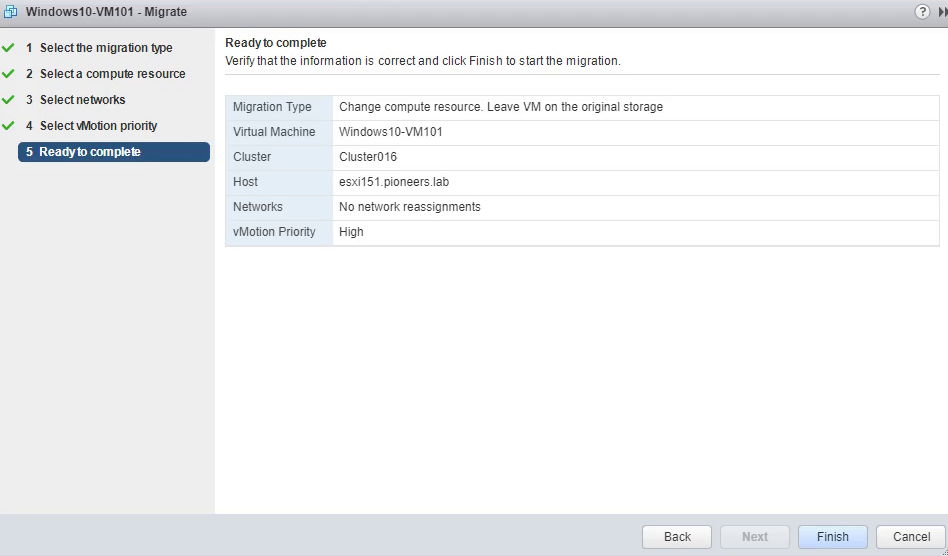
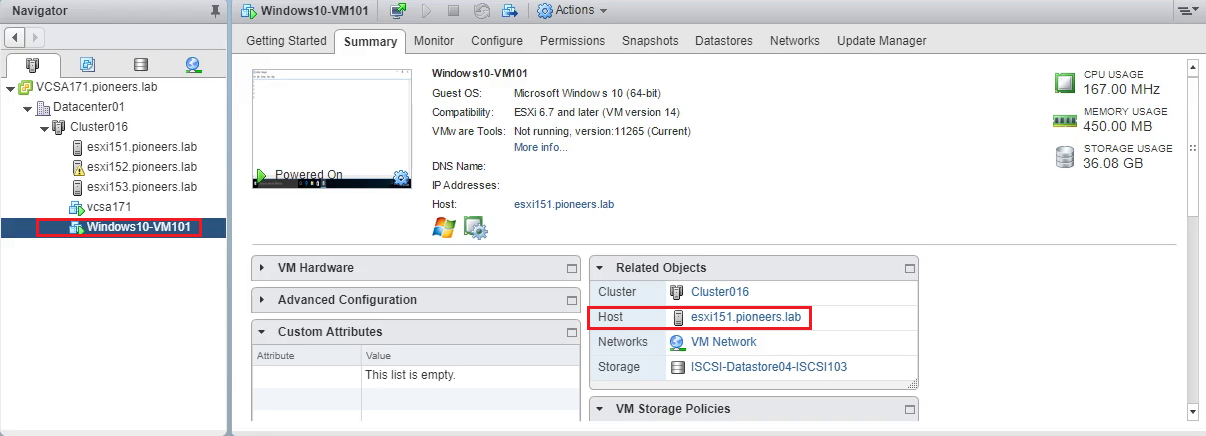
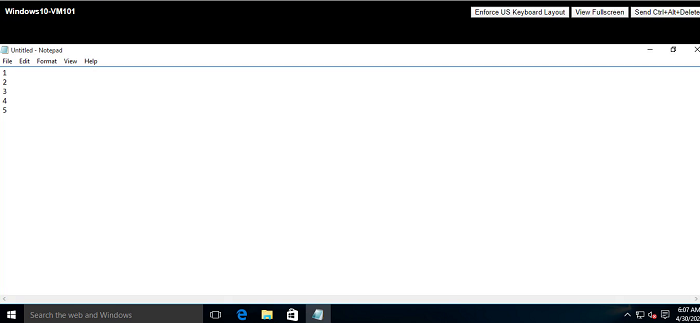
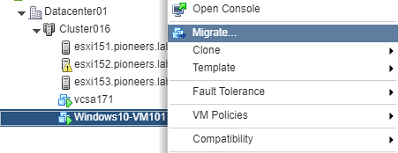
vSphere vMotion Part II : Migration Vsphere-ICM April 30, 2020October 27, 2020 maher islaieh introduction in previous article vMotion Part I here : we have explained the concept of vMotion in this article : we will practice vMotion in many perspective we will move VM file from local storage to ISCSI remote shared storage > storage vMotion then we will migrate running VM ut self from ESXI153 to ESX151 vMotion Setup LAB vMotion Diagram please have a look to network diagram above we have 3 ESXI server each ESXI has local datastore with capacity 400GB and ALL ESXI connected to shared storage NFS with capacity 2TB , as well as ISCSI with capacity 15TB ESXI151 Datastores ESXI152 Datastores ESXI153 Datastores also we have VM running on ESXI153 on local datastore02-ESXI153 as seen below VM configuration , please note datastore in red VM currently running file VM is running storage vMotion we will migrate VM files HDD from local data store to shared storage ISCSI select migration change storage only select ISCSI storage finish migration process take place storage vmotion seceded from local datstore to ISCSI datastore Hot vMotion now we move running VM computing [CPU,RAM] from ESXI153 to ESXI151 but first we will try to migrate VM with DVD inserted to check is vMotion allow DVD inserted VM belong to host ESXI153 > select migrate change change VM compute vMotion failed because DVD inserted 🙁 edit VM settings and uncheck DVD connect again start vmotion process now VM is compatible with ESXI151 🙂 next next finish VM has been migrated to ESXI151 VM still open and has NOT restrted Conclusion in past two articles vMotion Part 1 and Part 2 , we have have discussed the vMotion concept and type beside of some consideration in part 2 we have seen how to make host vMotion from ESXI to another , and host how to migrate VM file HDD from Datastore to another thank you