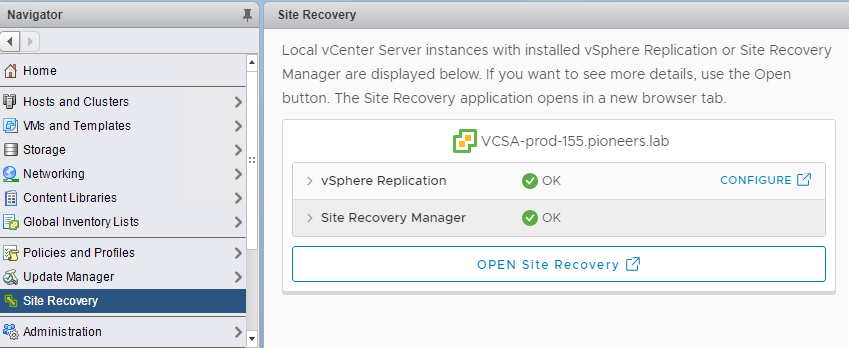
Click on SRM plugin ->> site recovery > open pairing details
select recovery plan
open recovery site
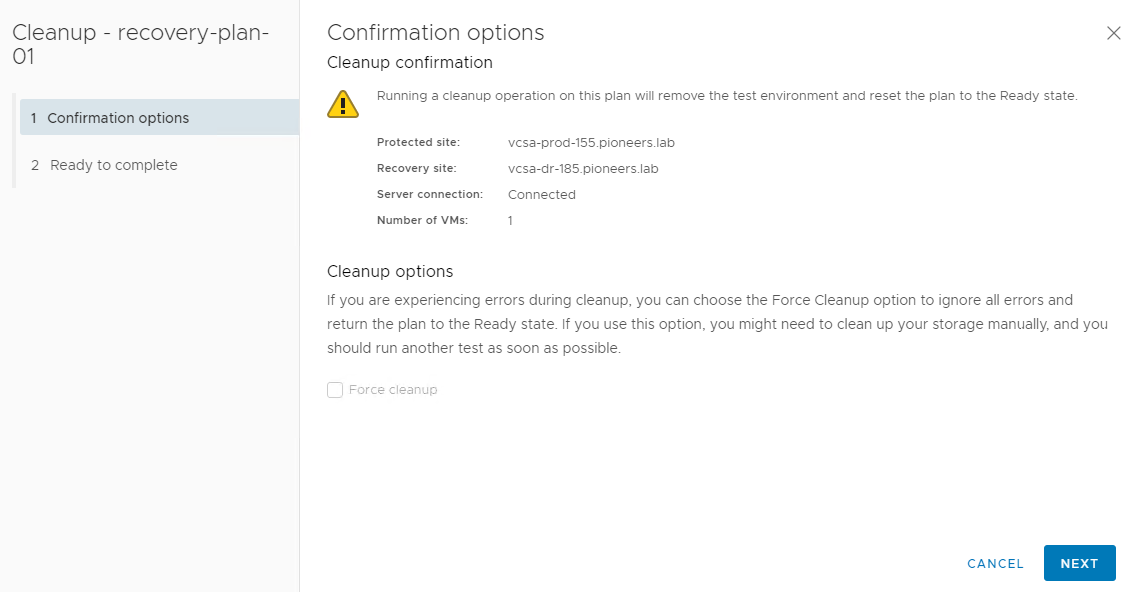
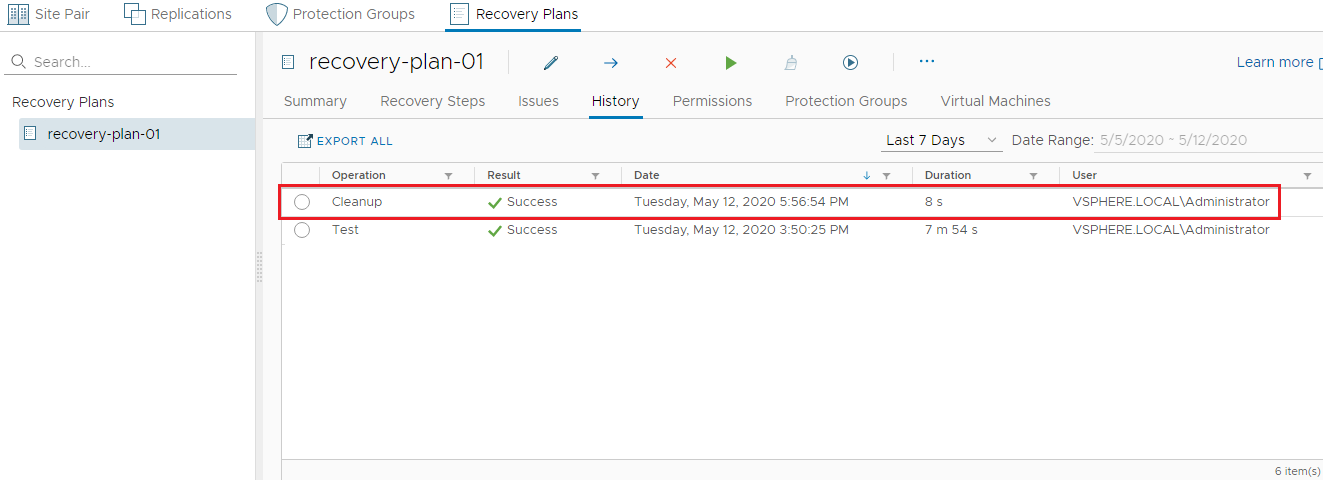
select recovery plan > recovery-plan-001 > select cleanup
next
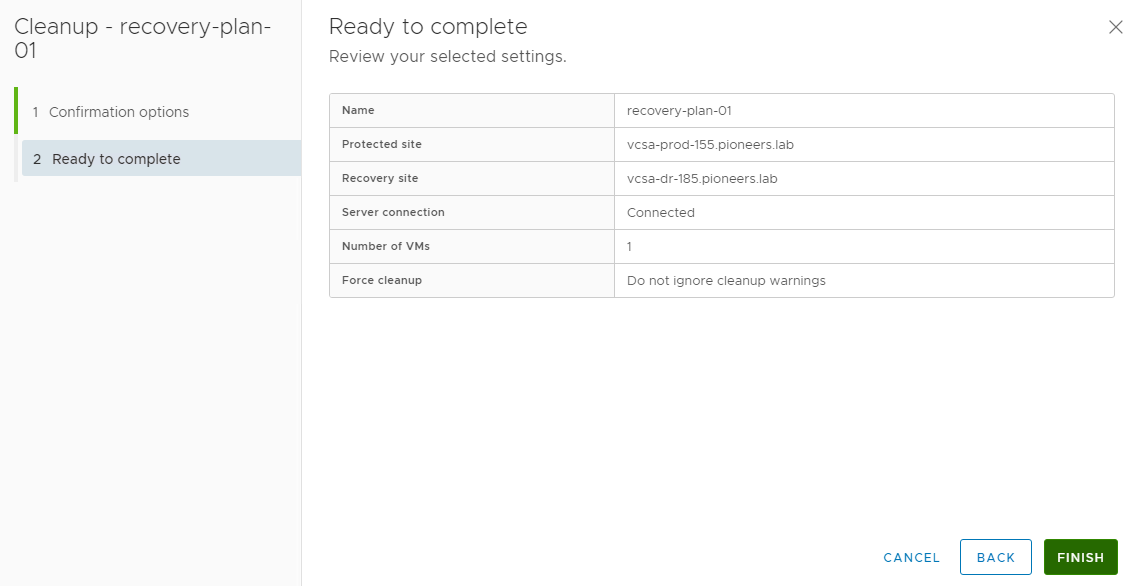
finish
cleanup in progrrss
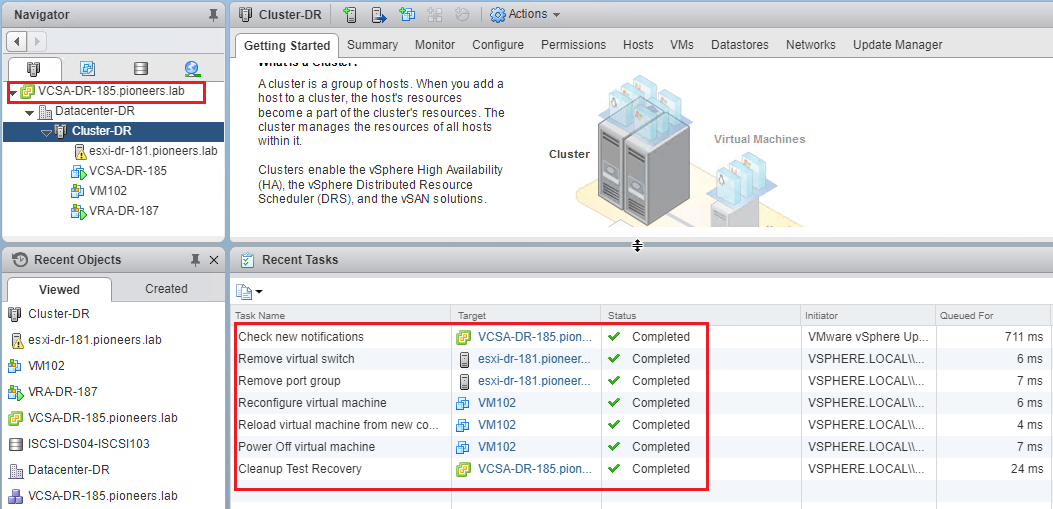
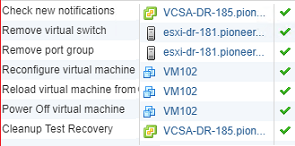
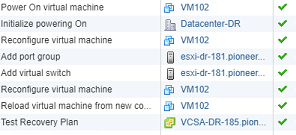
verify testing cleanup
there is many steps to verify testing cleanup
as you seel below
all celanup tasks completed
monitor recovery plan
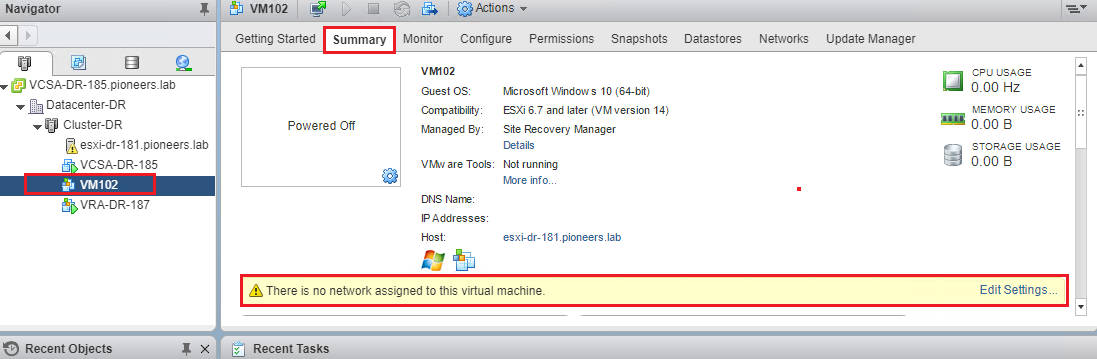
VM`02 in DR site has no networking port group
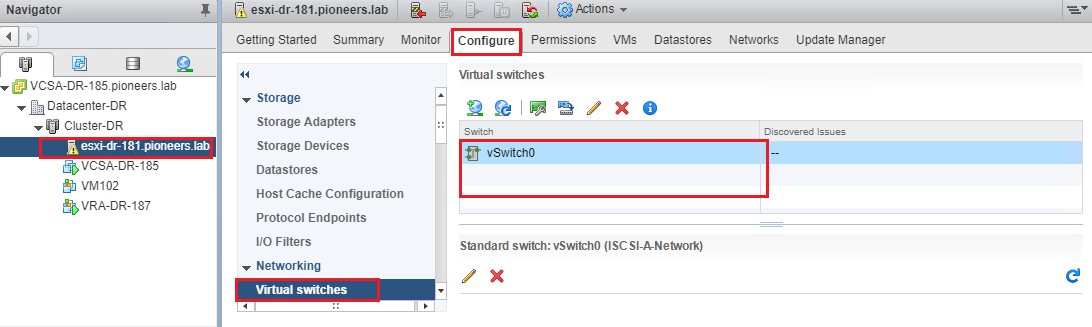
vswitch srmxxxx has benn deleted
Conclusion
VMware Site Recovery Manager (SRM) is a disaster recovery and business continuity solution from the VMware,which automates the transfer of virtual machines to a local or remote recovery site.
before this course we have :
learn how to install ESXI on Production and DR site in course vsphere ICM
learn how to install vcenter on Production and DR site in course vsphere ICM
in this course we have
install SRM on Production and DR site
install VRA [vSphere Replication ] on Production and DR site
create inventory mapping with 5 aspects [network , resources , folder , placeholder , and storage policy ]